Skip to content

Remote support made simple

Connect.
Support.
Solve Faster.

VeyraDesk helps support teams securely access and support client computers from anywhere — making remote support simple, fast and reliable.

Free plan available No credit card required
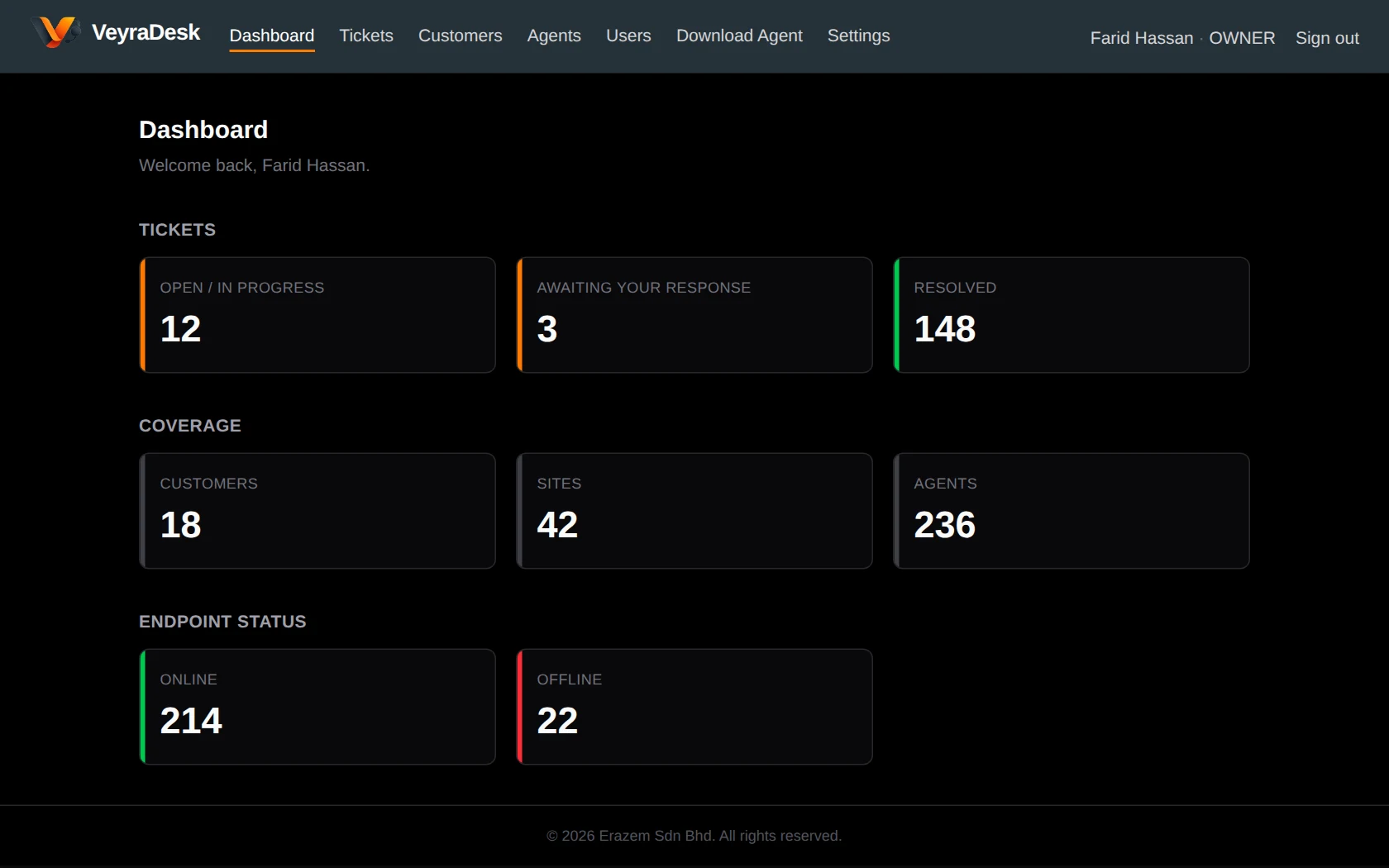
VeyraDesk dashboard showing ticket counts, customers, sites, and online and offline endpoints

Fast Connection

Start a remote session from a device or ticket in a few clicks.

Secure Access

Every session is authorised, time-limited and recorded.

Multi-User Support

Roles for owners, admins, technicians and staff.

Multi-Site

Customers, branches and devices organised in one place.

How it works

Simple steps to provide remote support

  1. 1

    Create your workspace

    Sign up, name your workspace and invite your support team.

  2. 2

    Add customers & devices

    Add customers and their sites, then install the VeyraDesk Agent on their computers.

  3. 3

    Connect & support

    Open tickets, start authorised remote sessions and resolve issues from one place.
Learn more about getting started
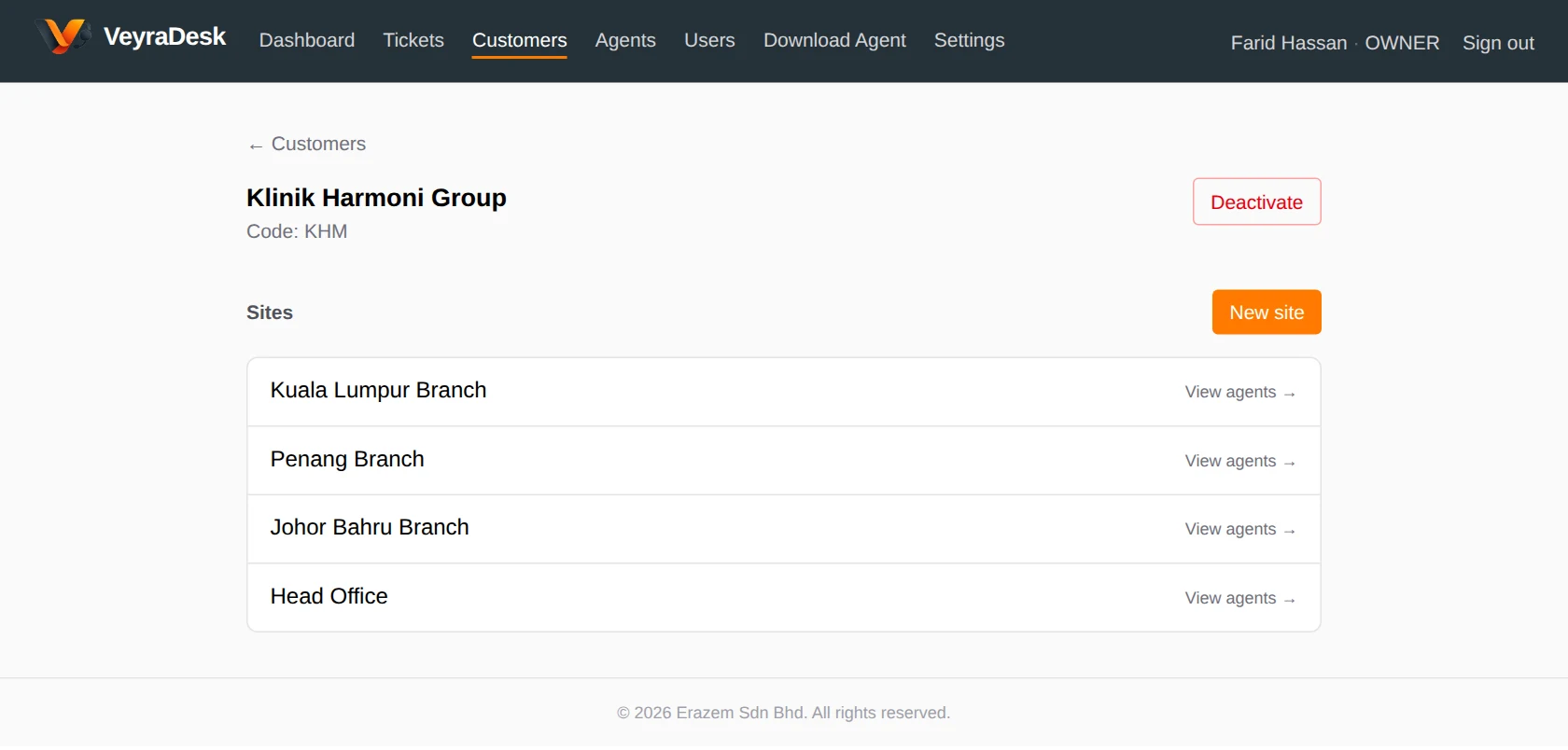
A customer in VeyraDesk with its branch sites listed

Why VeyraDesk

Built for support teams

Everything your team needs to organise customers, track requests and provide secure remote support.

Fast Remote Support

Connect to customer devices quickly and resolve issues remotely.

Secure Access

Secure sign-in and controlled, authorised access for your support team.

Customer Management

Organise customers and the sites you support for each of them.

Team & User Management

Manage the users on your support team, their roles and what they can access.

Agent & Device Management

See every supported device, where it is and whether it is online.

Ticket Management

Track support requests from the first report through to resolution.

Audit & Activity

Keep visibility of support activity and administrative actions.

Multi-Site Support

Manage many customer locations from one workspace.

Tickets

Every request, from first report to resolved

Log issues against the right customer, site and device. Set priorities, assign technicians, reply or add internal notes, and start a remote session from the ticket itself.
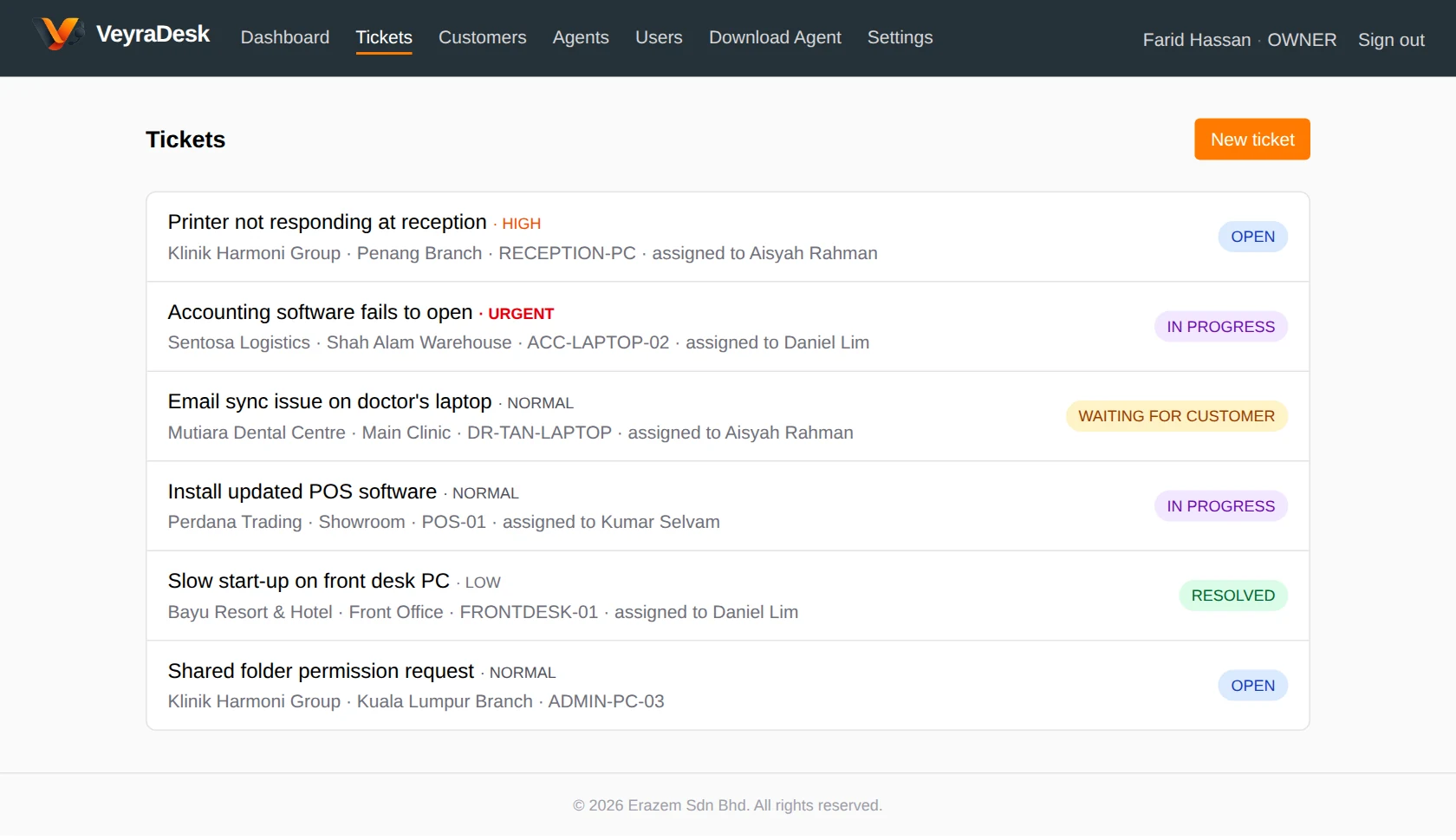
VeyraDesk ticket list with priorities, assigned technicians and statuses

Team

The right access for every team member

Give owners and admins full control, let technicians focus on tickets and remote support, and keep staff to their own requests.
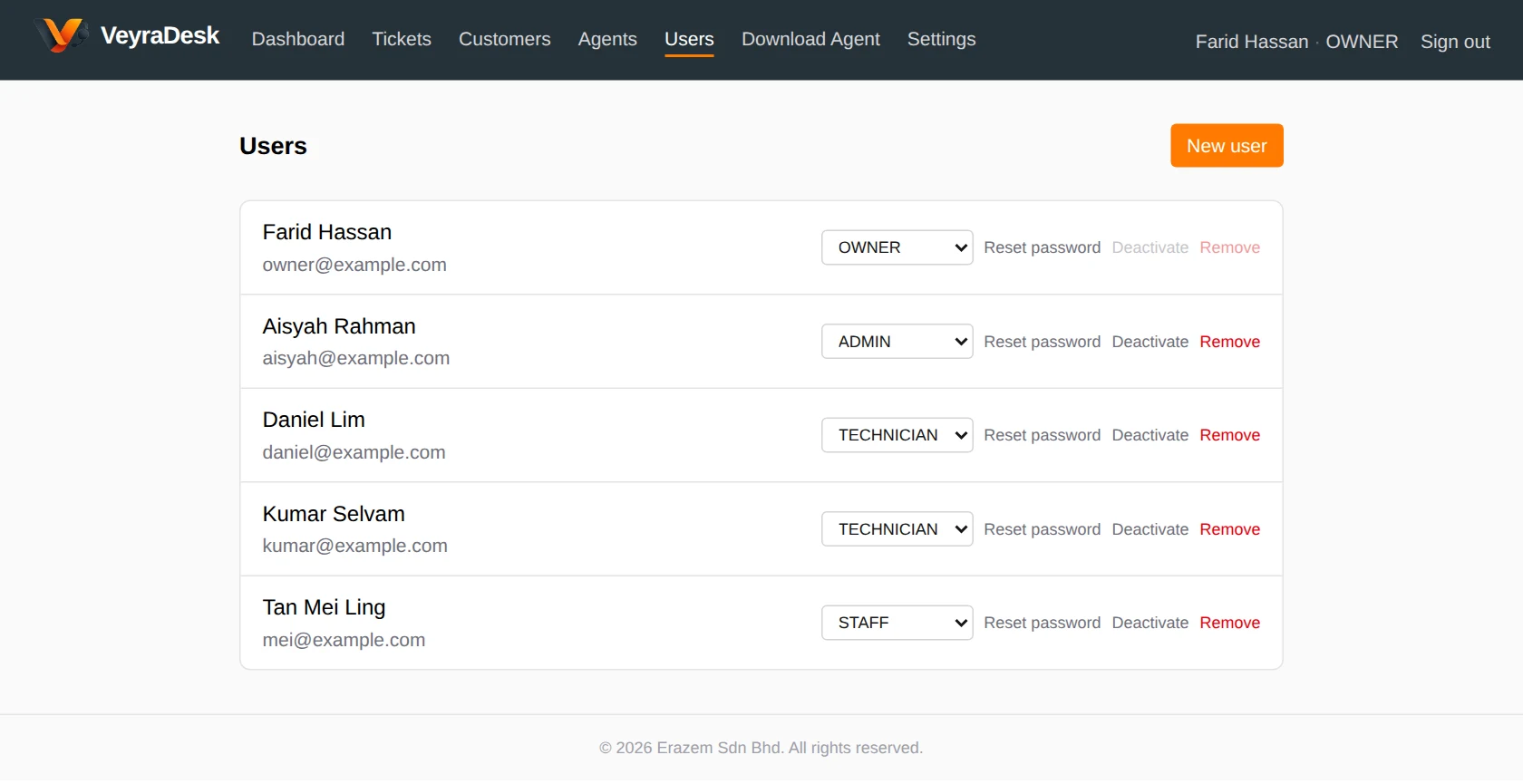
VeyraDesk users page with Owner, Admin, Technician and Staff roles

FAQ

Questions, answered

See all FAQs
What is VeyraDesk?
VeyraDesk is a remote support platform for businesses and IT support teams. It brings customers, sites, devices, support tickets and remote support sessions together in one workspace, so your team can see what needs attention and connect to the right device quickly.
Is VeyraDesk suitable for IT support companies?
Yes. VeyraDesk is organised around customers and their sites, so an IT support company or MSP can keep each client’s locations, devices and tickets separate while managing everything from one workspace.
Can I start for free?
Yes. The Free plan costs RM0 and does not require a credit card. It stays free as long as you remain within the Free plan limits.
How does remote support work?
You install the lightweight VeyraDesk Agent on each Windows computer you support. When a technician starts a remote session from VeyraDesk, the session is authorised first, is time-limited, and is recorded. Depending on the device’s setting, the person at the computer approves the request on screen, or a one-time session password is used for unattended access.

Help your clients better

Deliver faster support with VeyraDesk

Start on the Free plan — no credit card required — and bring your customers, sites, devices and tickets into one workspace.

  • Fewer on-site visits
  • Authorised, time-limited sessions
  • Every customer and site in one place
  • Built for support teams